Real-time collaboration
Everyone edits the same document at once, with live cursors, comments, @mentions and a project chat.
Co-edit papers, theses and slides in real time, compile them in seconds with TeX Live 2026, and get help from an AI assistant that actually speaks TeX. Nothing to install.
Free plan available. No credit card required.
From the first \documentclass to the camera-ready PDF, with your co-authors.
Everyone edits the same document at once, with live cursors, comments, @mentions and a project chat.
Each project compiles in its own sandbox with no network access. Click in the PDF to jump to the source, and back.
Explain and fix compile errors, rephrase, shorten, translate between French and English, draft tables and TikZ figures — all in context.
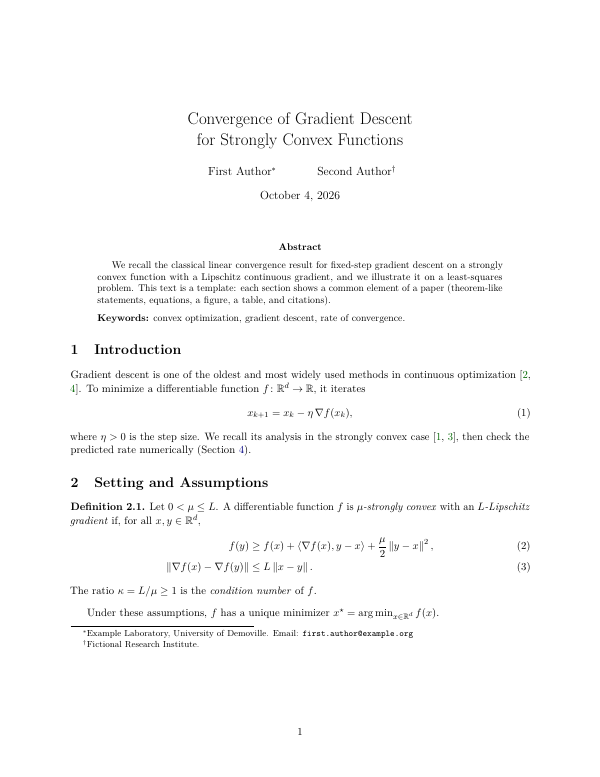
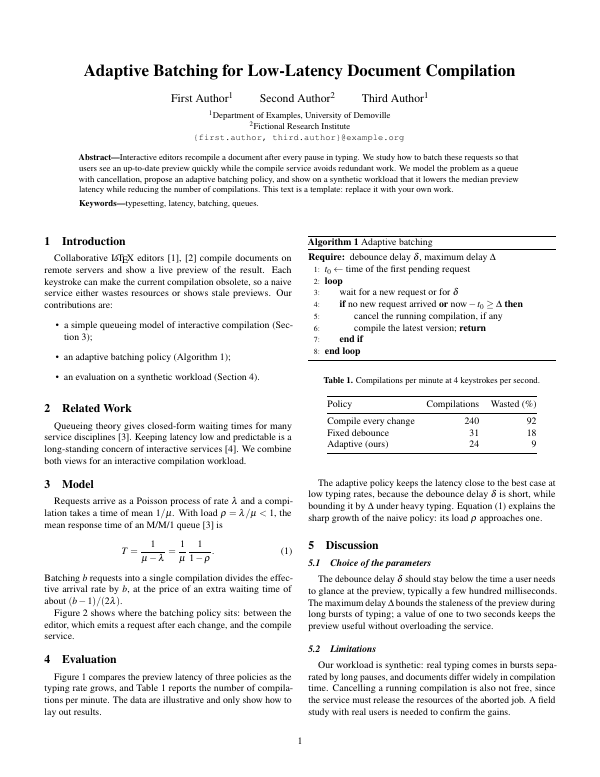
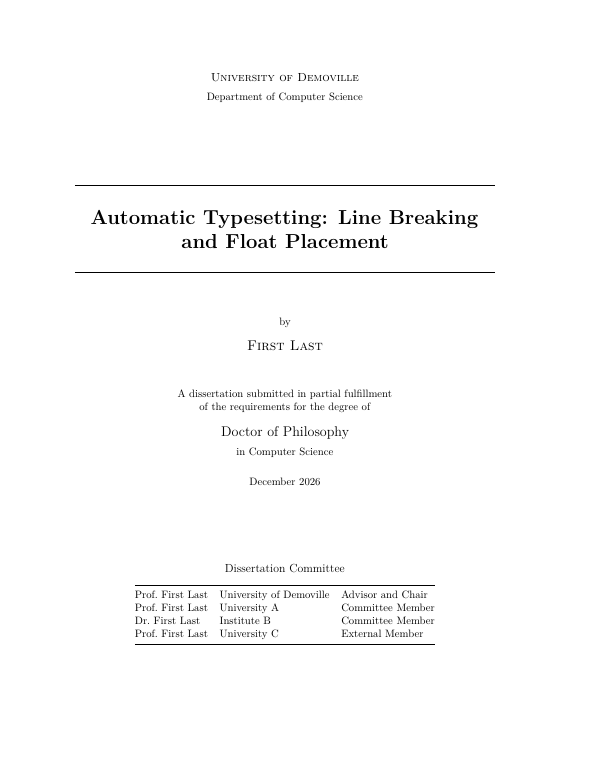
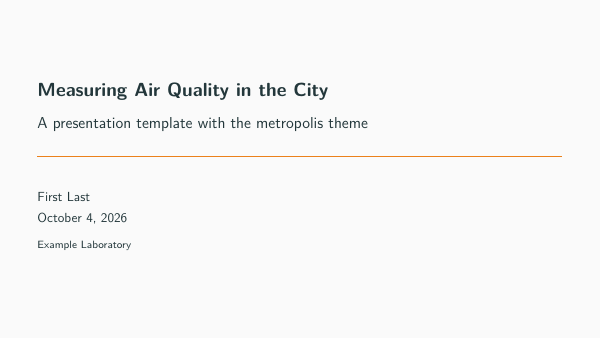
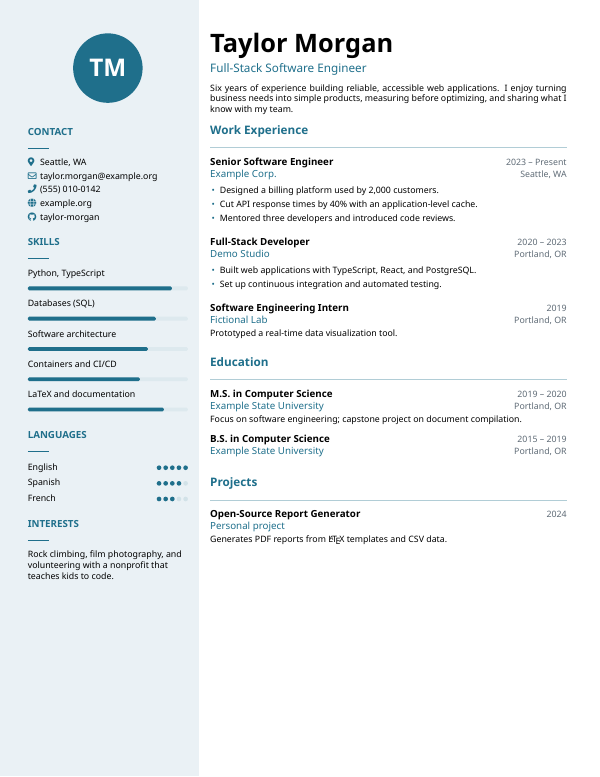
Papers, theses, CVs, letters, reports and Beamer slides, tested on every change so they always build.
Sync a project with a GitHub repository, and cite straight from your Zotero library.
Connect Claude Desktop or Claude Code through the Tex.ink MCP server and let it read your projects, suggest edits and compile.
Invite co-authors and reviewers with the right role, discuss right next to the text, and keep every version.
The assistant, powered by Claude, sees your document and its compile log. It suggests changes you can review before applying.
Bring existing projects in, keep them in sync, and take them anywhere.
Pick a template, click “Use this template”, and your project is ready to edit.
For personal documents and trying Tex.ink.
$0forever
No credit card needed
For researchers, students and authors.
$30/ month
Billed monthly
For heavy documents and daily AI use.
$55/ month
Billed monthly
For labs, classes and companies.
$100/ month per seat
Billed monthly
For institutions: universities, research labs, schools and companies.
Customannual contract
From 5 seats · 1-year minimum · billed in USD or EUR
Commit for 4 years and save 50% on any paid plan: contact us. Subscriptions are managed on the pricing page of the app; cancel anytime.
No. Tex.ink runs in your browser and compiles on our servers with TeX Live 2026, including the LaTeX extra, BibTeX extra and recommended fonts collections: pdfLaTeX, XeLaTeX, LuaLaTeX, BibTeX, Biber and thousands of packages are already there.
Yes. Upload a .zip of your sources, link a GitHub repository, or convert a Markdown file into LaTeX.
Projects are private until you share them. Each compilation runs in an isolated sandbox with no network access, and you choose exactly who can view, review or edit.
It is powered by Claude and only acts on the project you are working in. Every plan includes monthly AI credits; you review suggestions before they change your document. A project owner can turn AI off for a project.
Yes. Create a personal access token in your account and connect the Tex.ink MCP server: Claude can then list your projects, read files, suggest edits for you to review, and compile.
Yes. Yearly billing saves 20% on Pro, Max and Team. For a 4-year commitment, we offer 50% off: contact us at support@tex.ink or with the form below.
Yes. Enterprise is an annual contract for institutions: invoices and purchase orders, single sign-on, verified domains and an admin console. From 5 seats · 1-year minimum · billed in USD or EUR. Choose “Sales / institutions” in the contact form and we will prepare a quote.
Yes. You can cancel from your account at any time, and your projects stay available on the Free plan.
Questions, contracts for your institution, invoices or a bug: write to us here or at support@tex.ink.
Create a free account and compile your first document in under a minute.
Start writing — it’s free